Laptop guide
Before Device Repair: A Data Backup Checklist
Prepare phone, tablet and computer backups, verify important files and protect account details before handing a device in for repair.
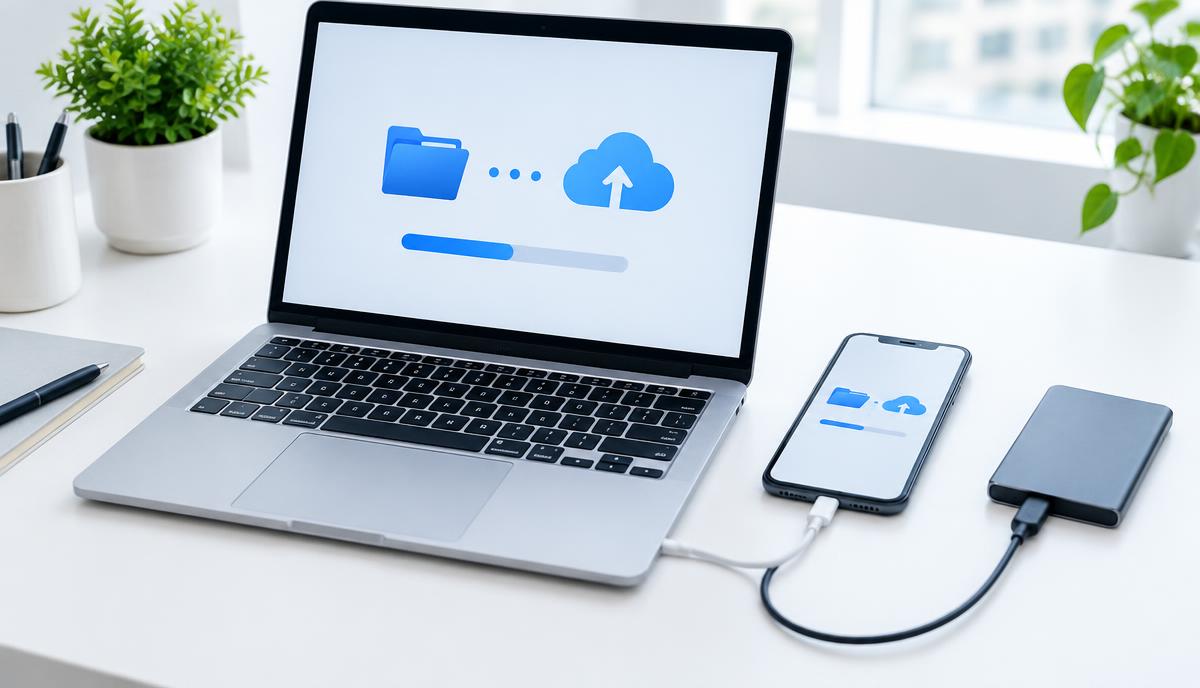
A repair appointment is easier to prepare for when you know which files matter and whether they exist somewhere else. A backup is protection against uncertainty, not proof that any repair will preserve all data.
What the symptoms can mean
Photos synced to an account, files copied to a drive and a complete device backup are different forms of protection. Some apps keep local-only data, and an incomplete or inaccessible backup may not help when you need it.
What to do next
Use the backup method supported by your device. Check that recent important files are accessible from the backup destination and record the completion status. Do not erase a malfunctioning device before discussing recovery options.
Protect accounts as well as files
Do not send account passwords or recovery codes in a repair message. Ask what access is genuinely required for testing, and agree it with the team. Record accessory and device details for handover, and confirm whether any reset or storage replacement is being proposed before approval.
If the device cannot start
Tell the team that data recovery is a priority before authorising work. Recovery depends on the storage condition, encryption and the device’s other faults. Avoid repeated power attempts after liquid exposure or unusual heat; backups cannot be created safely in every failure state.
When to arrange a diagnosis
If the problem continues after safe basic checks, a proper diagnosis is the best next step. It helps separate a replaceable part from a deeper board, power or software issue before any repair is approved.
Common questions
Is syncing photos the same as a full backup?
No. Sync may cover only selected content and can also synchronise deletions. Check which files and app data your chosen method includes.
Should I share my account password to request a repair?
No. Start with the model and fault; discuss any testing access directly with the team and keep account credentials private.